Promotions
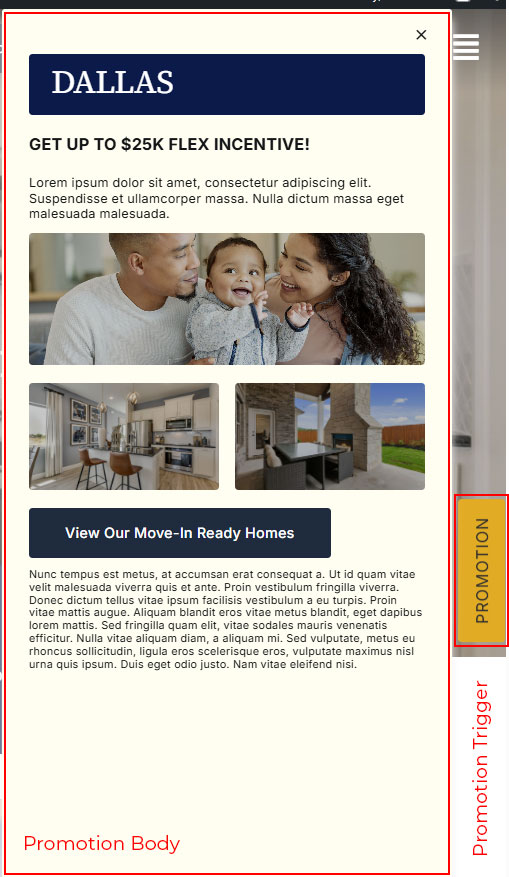
Promotion are sections that will show up with Vertical trigger button that shows at the far right.
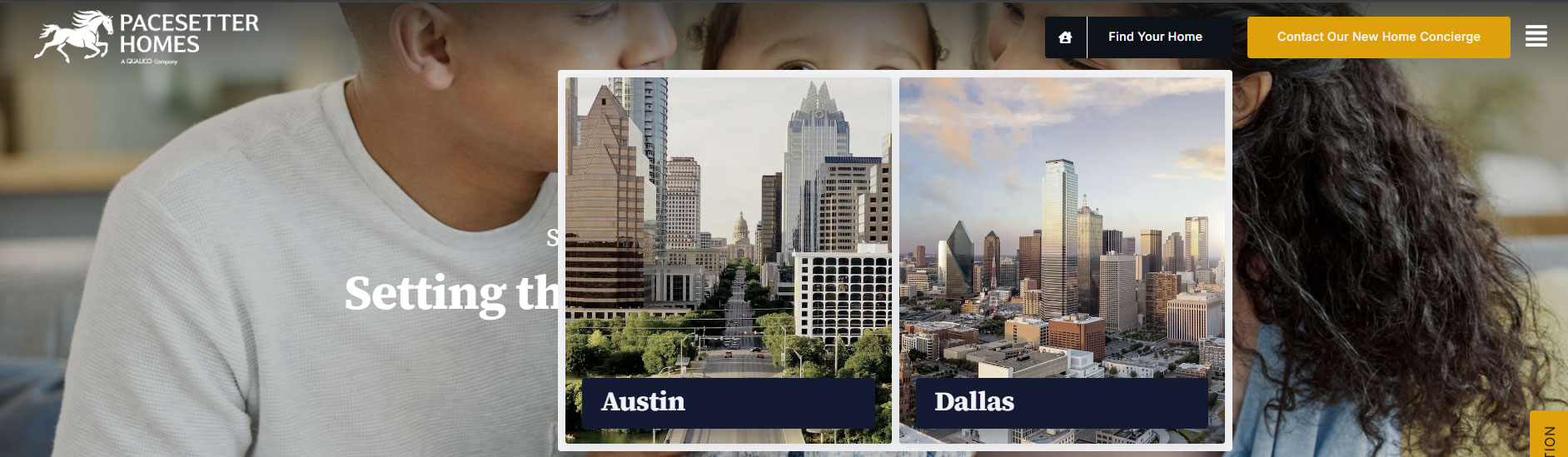
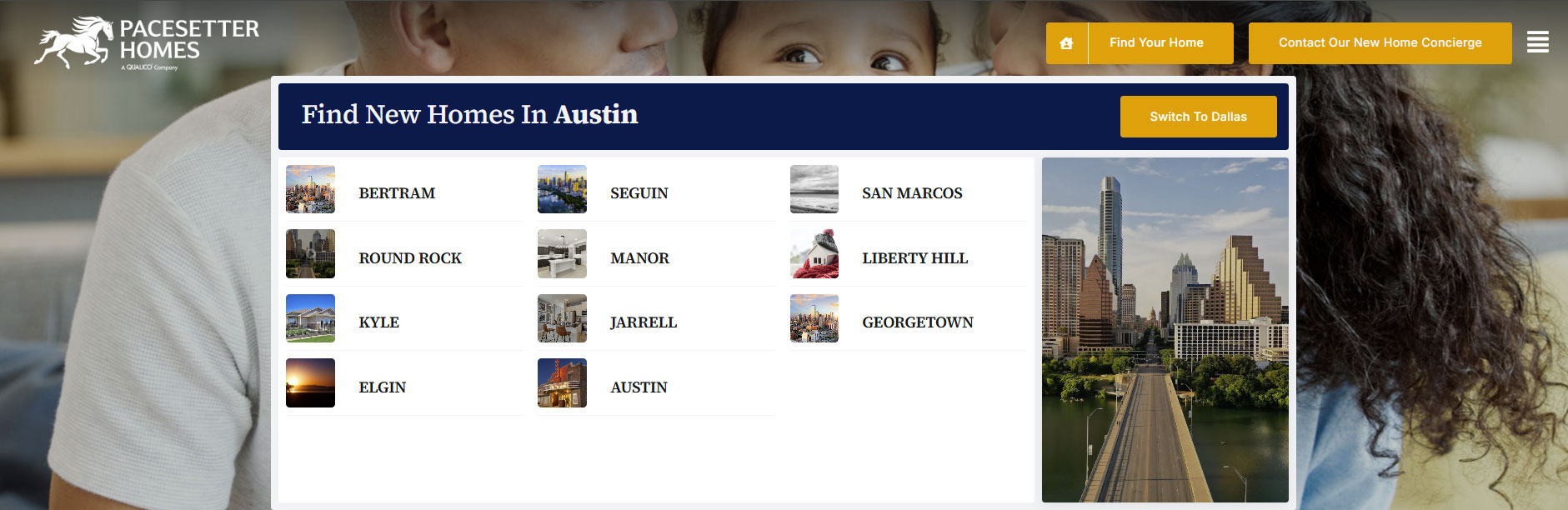
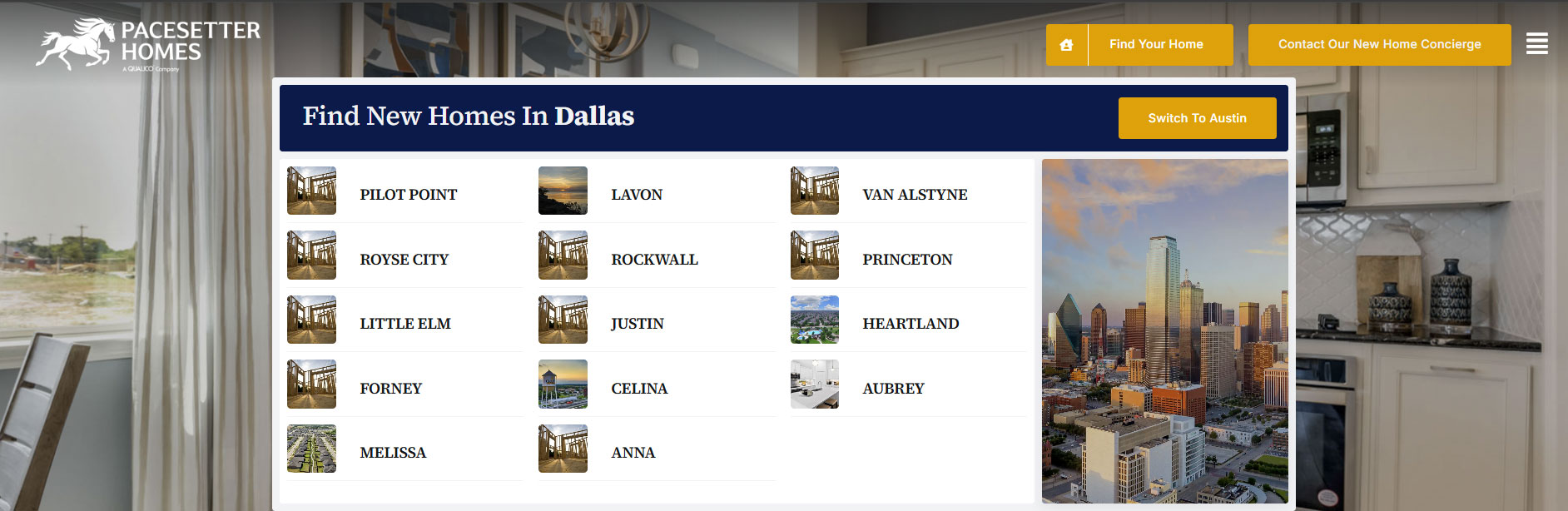
Right now, this option shows only on Regions & Cities and you can activate it by enabling it in the Region or City backend edit page (See Below Screenshots)
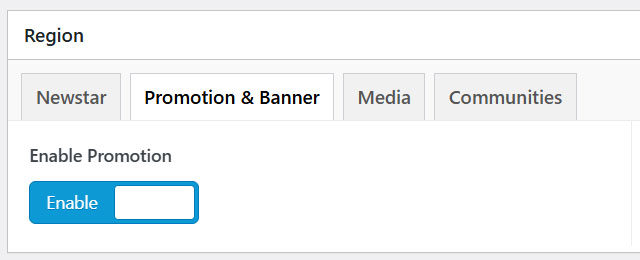
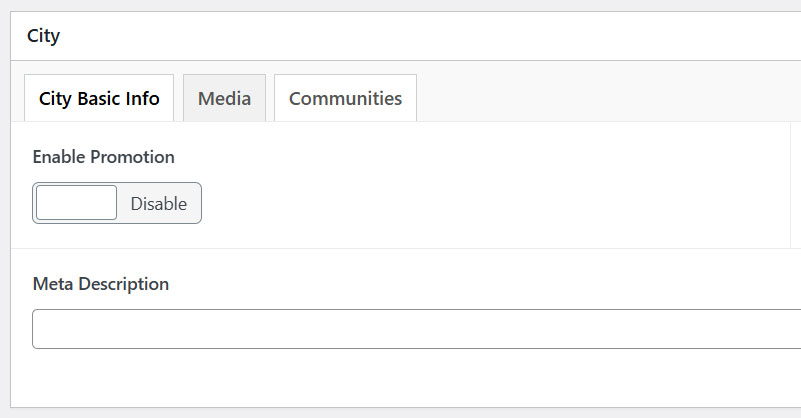
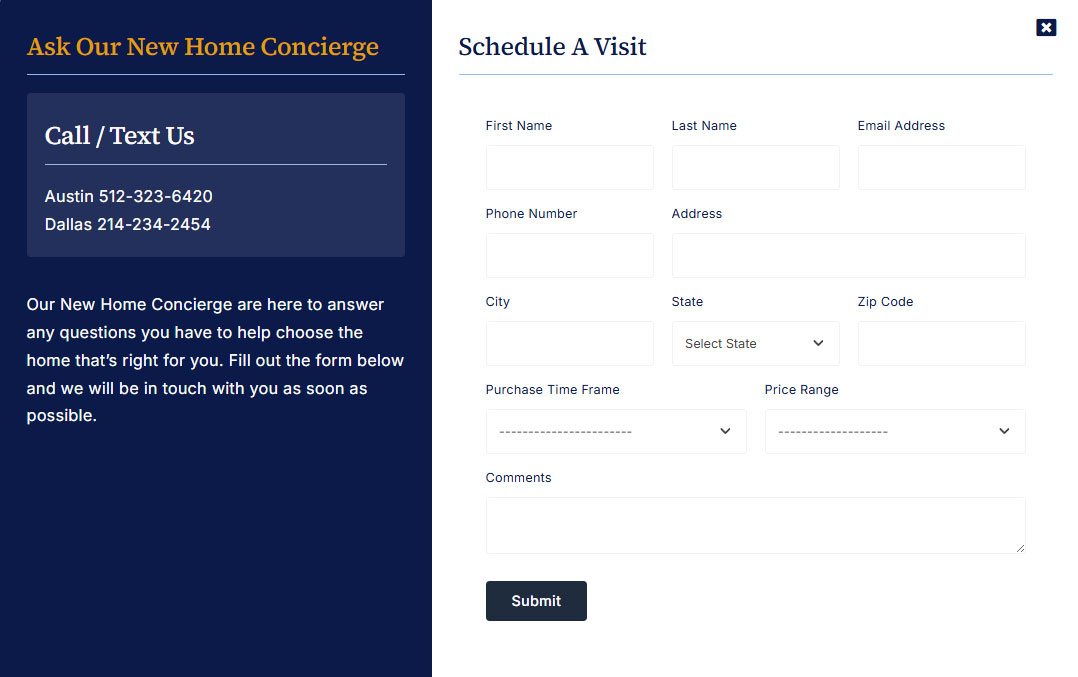
Once enabled, the Promotion Trigger button appears on the far right. Clicking it opens the promotion Off Canvas panel.